






ACCOUNT
Profile setup
Check your phone number, display name and wallet owner name before you use the lobby.
Gates of Olympus, Aviator, Live Casino and UFC MMA sit in one account, with DANA, OVO, GoPay and QRIS visible before you fund the wallet.

Slots, live tables, fishing rooms and sportsbook cards sit together so you can move from account check to game choice quickly.
You will see familiar slot and table studios such as Pragmatic Play, PG Soft and Habanero across the lobby categories.
Funding should be clear before you enter the lobby. We place DANA, OVO, GoPay and QRIS in the wallet panel, with the selected rail shown before you confirm.
A good first session is easier when you know which areas answer practical questions.

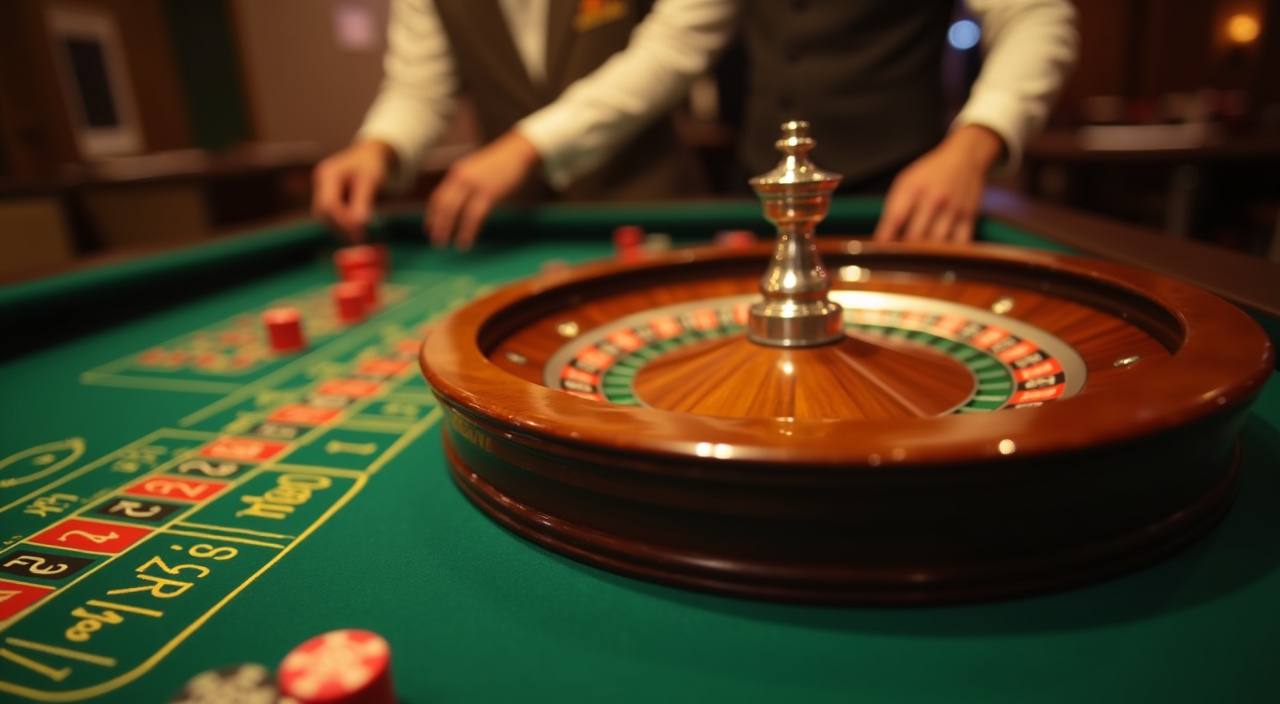

Start with the account panel before you enter any game. We show your profile status, wallet button, promo board and live chat link on the first…
Open an account with your phone number, password and OTP check. Once confirmed, we take you to the lobby rather than a separate setup page.
Your profile shows name status, wallet balance and recent account actions. Keep those details aligned with your wallet name before requesting a withdrawal.
The lobby includes Gates of Olympus, Live Casino tables, UFC MMA markets, Crash Games, Bingo and Mega Fishing, grouped so you can switch without hunting through menus.
We use OTP checks, session controls and device prompts when account activity changes. If something looks wrong, the chat button stays visible in the account area.
Questions usually come at practical moments: wallet credit not showing, a table not loading, or a withdrawal needing a status check. Our help routes are placed inside the account menu, with live chat for active sessions and email for cases that need a written trail.
Chat is available daily from 10:00 to 02:00 WIB. Use it for login issues, wallet status, game loading checks and active session questions.
Email works well for account verification, withdrawal follow-up and document-based questions. Include your registered phone number so we can find the account.
On phone, open Menu, Support, then choose chat or email. The help panel stays connected to your logged-in account status.
Your phone loads the same home flow as a larger screen: login, wallet, game rooms and chat.
A safe session starts with predictable account behaviour. We keep login, wallet, game entry and support inside the same interface, so you are not pushed through…
The phone view keeps wallet, lobby and chat buttons within thumb reach. On larger screens, the same account menu stays in the header.
Your account uses password and OTP confirmation during setup. If a session changes device, we may ask for an extra check.
Withdrawal requests are compared with the account name and selected wallet rail. Mismatched details may require support follow-up before release.
Provider names and room rules are shown before entry, so you know whether you are opening slots, live tables, fishing or Crash Games.
Searching across chats, old links and copied screenshots creates confusion. We keep the live lobby, wallet history, promo board, game categories and support paths in one account so you can check the…
You see the active game categories after login instead of relying on old screenshots or copied room names from outside chats.
DANA, OVO, GoPay and QRIS appear in the account wallet, with your selected rail shown before you confirm the transaction.
When you contact chat from the account page, the team can ask for precise details such as wallet rail, time and game room.
Reward cards show their conditions inside the promo board, reducing the need to search for separate screenshots or copied text.
Phone, tablet and computer use the same login, wallet and game history, so you do not split sessions across different paths.
You can compare slots, Live Casino, fishing and sportsbook areas from the lobby before choosing where your session starts.
Return figures vary by studio, table rule and game version, so we do not flatten them into one claim.

Check the provider panel for published RTP and feature rules before you enter titles such as…
Live tables depend on table rules, seat timing and stream status.
Crash rounds are fast and rule-driven. We show the room label and provider name so you…
Mega Fishing and similar rooms use category rules that differ from reels or live tables.
Market returns depend on the price shown at confirmation.
RTP percentages are informational reference values from provider documentation. Actual session outcomes vary.
We shape the home page for Indonesia with wallet rails you recognise, English copy that stays clear, and account prompts that work on common mobile browsers. Access can vary by location and network, so eligibility depends on local law and is available only where local law permits. If a page does not load, switch networks, refresh the lobby, or contact support from the account menu.
The home page is built to reduce second-guessing. We place the account entry, game categories, wallet rail, promo board, studio names and help paths where you…
Slots, Live Casino, Bingo, Crash Games, Mega Fishing and sportsbook markets sit in one lobby, grouped by category rather than hidden links.
DANA, OVO, GoPay and QRIS are shown as clear wallet choices, so you do not need to ask which rails are currently active.
Provider labels such as Pragmatic Play, PG Soft and Habanero help you recognise the source of each slot or table room.
Phone number, password and OTP confirmation are the core setup steps, followed by the lobby and wallet panel.
Live chat runs from 10:00 to 02:00 WIB, with email available for account cases that need a written record.
Your session can move between phone, tablet and computer with the same account menu, wallet history and game categories.
These answers focus on the home page flow: account opening, wallet rails, lobby access, device behaviour and support. For anything tied to eligibility, access depends on local law and is available only where local law permits.
Use the home page as your starting map. Account setup comes first, then wallet, then game choice, then support if something needs attention.
Start with profile details, phone confirmation and password access. Keep your registered name aligned with the wallet you plan to use.
Open the wallet panel to choose DANA, OVO, GoPay or QRIS, then check recent account actions before leaving the page.
Browse slots, Live Casino, Crash Games, Bingo, Mega Fishing and sportsbook areas from the lobby before entering a room.
Use chat during the WIB support window for active issues, or email when you want a written response tied to your account.